Imagine Downloader
for Grok Imagine
Save every image and video from a Grok Imagine thread — with its prompt — in one click.
Chrome Web Store — coming soon. Until then, load the .zip unpacked.
Unofficial — not affiliated with SpaceXAI / SpaceXSI.
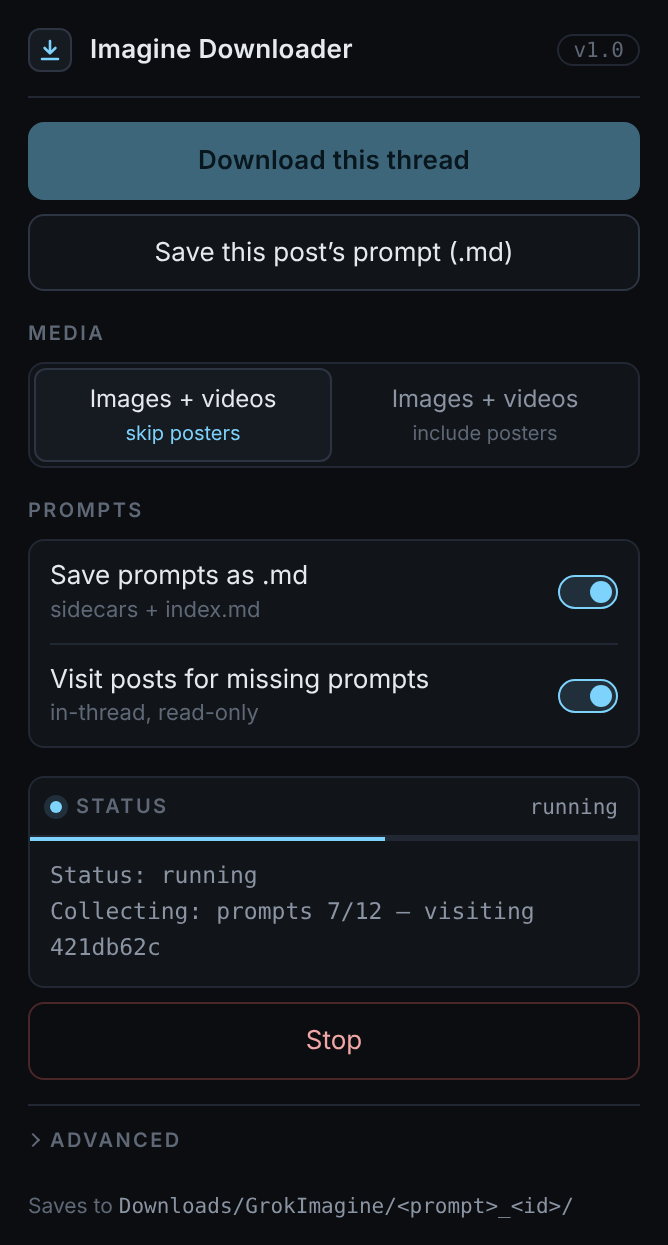
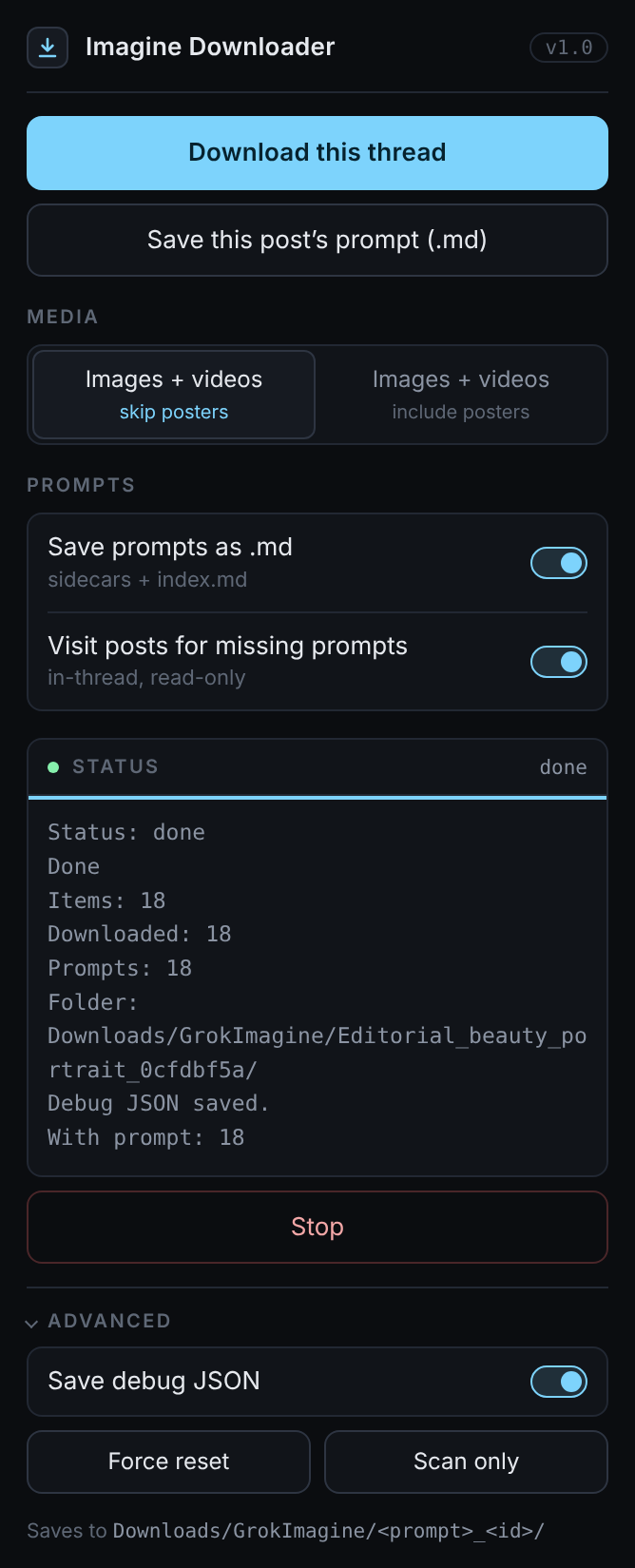
Features
The whole thread, organized.
Open any Imagine post, press one button, and get a clean folder you can keep, search, and re-run.
Whole thread, videos too
Every image and video in the conversation — not just the one on screen. Nothing from your feed sneaks in.
Prompt next to each file
A matching .md sidecar holds the prompt for every image and video, plus an index.md.
Per-thread folders
One folder per thread; files named by generation time so they sort chronologically. Re-runs overwrite, never duplicate.
Runs locally
Everything happens in your browser. No accounts, no servers, nothing leaves your machine.
How it works
Three steps.
Open a thread
Go to any Grok Imagine post on grok.com while signed in.
Click Download this thread
The extension lists the thread's images and videos and collects their prompts. You can close the popup.
Open your Downloads
Find everything in
Downloads/GrokImagine/, one folder per thread.
Example output
Editorial_beauty_portrait_0cfdbf5a/
├─ 20261004-150115_img_6cdd897a.jpg
├─ 20261004-150115_img_6cdd897a.md
├─ 20261004-150842_img_421db62c.jpg
├─ 20261004-150842_img_421db62c.md
├─ 20261004-151230_vid_ce8f0b7e.mp4
├─ 20261004-151230_vid_ce8f0b7e.md
└─ index.md        # all prompts, in order
- Folder — first words of the thread's prompt + short thread id
- Files — local generation time +
img/vid+ short post id - Sidecars — same name,
.md, with the full prompt
Privacy
Your threads stay yours.
No analytics, no remote servers. Read the privacy policy.
No tracking
No analytics, telemetry, ads, or third-party scripts — in the extension or on this site.
No servers
There is no backend. Files go straight from Grok to your Downloads folder.
Your session, your threads
It uses your existing grok.com sign-in only to read the thread you have open. It never sees your password.
FAQ
Questions
Is it official?
No. Imagine Downloader is an independent, unofficial tool and is not affiliated with SpaceXAI / SpaceXSI. Grok is a trademark of its owner.
Does it work on Edge?
Yes. It works in Chrome, Microsoft Edge, and other Chromium browsers that support Manifest V3 extensions.
Where do files go?
Into your browser's Downloads folder, under GrokImagine/<prompt>_<thread-id>/. Running the same thread again updates that folder instead of creating copies.
How do I install the .zip?
Unzip it, open chrome://extensions (or edge://extensions), turn on Developer mode, click Load unpacked, and select the folder.